X Minecraft Launcher (XMCL) offers a modern and refined interface that makes managing Minecraft versions and mods far more convenient. It provides a fresh take on the familiar Minecraft experience while introducing practical tools that simplify mod management and overall usage.
The launcher supports all major mod loaders, including Forge, Fabric, NeoForge, and others, making it compatible with nearly all popular mods and modpacks.
One of XMCL’s main goals is efficient resource management. The client is designed to optimize how Minecraft uses system resources, resulting in smoother performance, fewer stutters, reduced lag, and higher frame rates. This improvement comes without the need to install additional optimization mods.
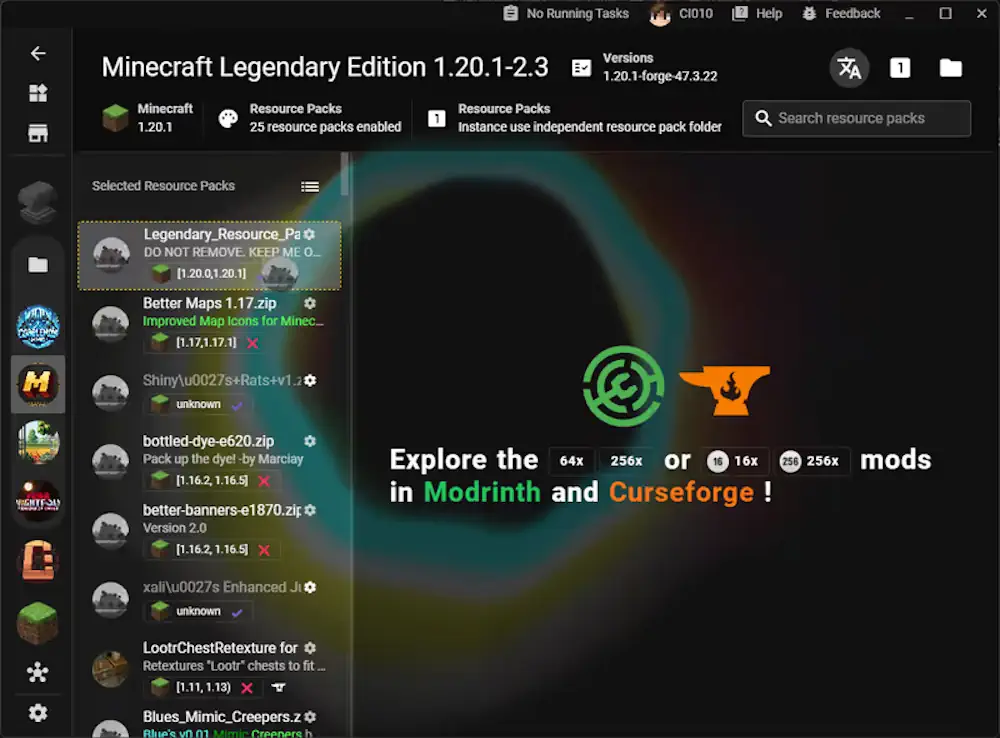
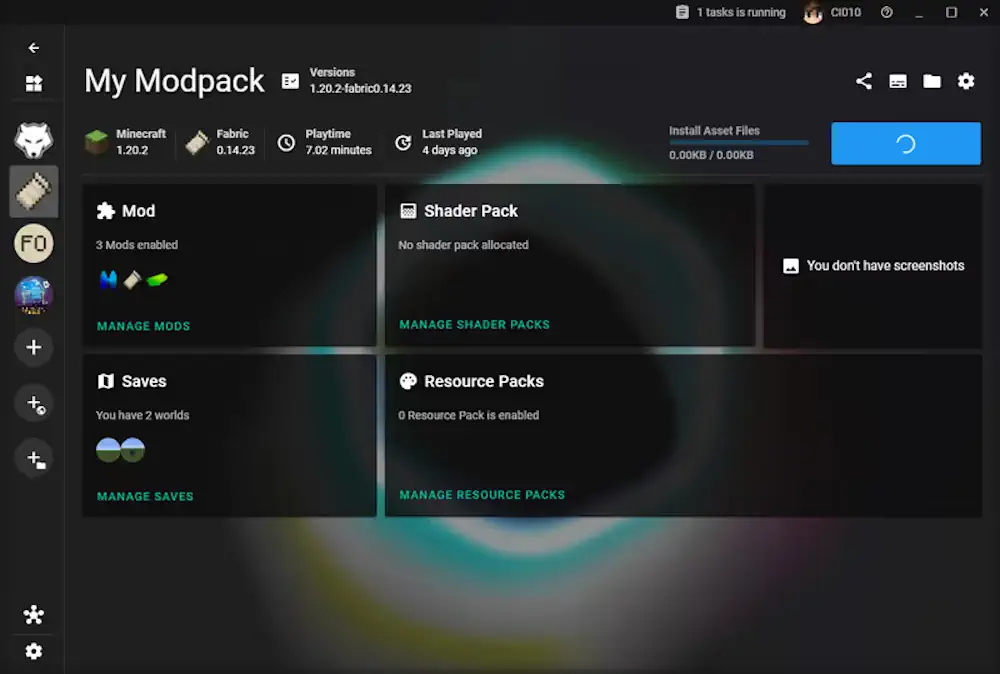
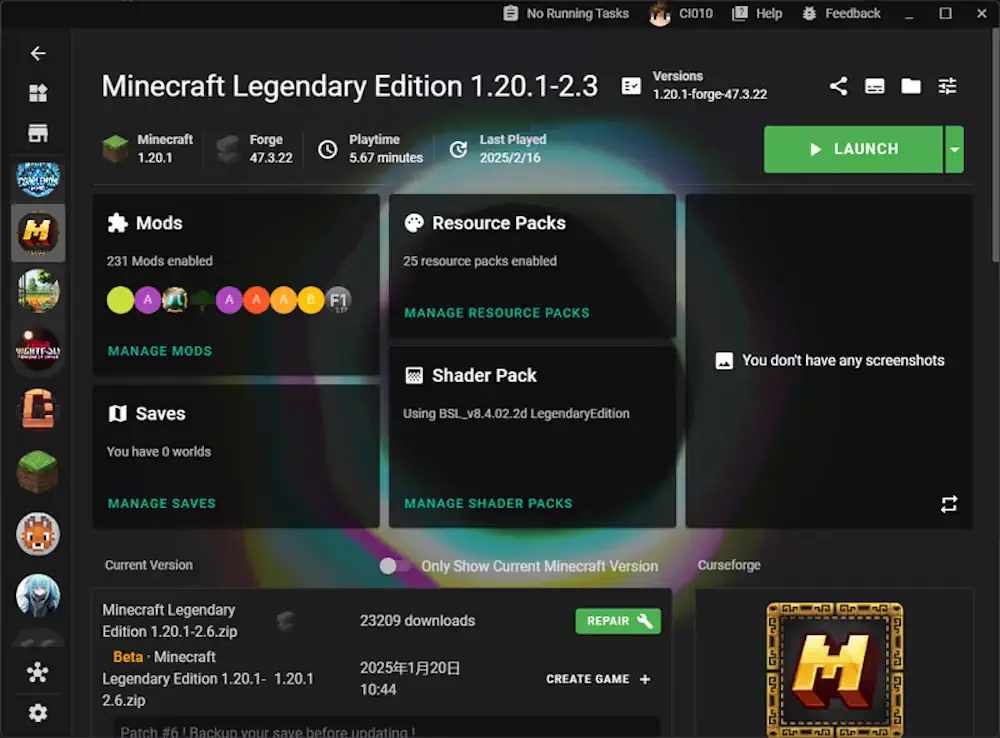
The interface is well structured and intuitive. On the left side, you will find tabs for managing your Minecraft versions, including the ability to create custom builds. The central workspace is used to browse, install, and update mods, making the entire process fast and straightforward.
Visually, XMCL features a clean dark theme that looks modern and unobtrusive on any screen. Its thoughtful layout and one-click mod installation make it an excellent choice for players who value organization, performance, and a polished mod management experience.
Features
- 🎮 Clean and modern interface with easy access to game versions and custom builds
- 🧩 One-click mod install with support for popular mod loaders
- ⚡ Better performance with smoother gameplay and fewer lags
Screenshots
X Minecraft Launcher Download Links
For Minecraft [Win installer] – xmcl-0.54.3-win32-x64




Be the first to comment