
Feather Client is a feature-rich Minecraft client designed to improve performance, convenience, and multiplayer interaction. It offers a modern, clean interface that feels intuitive from the very first launch, making it suitable for both new and experienced players.
 One of the key advantages of Feather Client is its performance optimization. Built-in FPS boosting and stability improvements help the game run smoother, especially on lower-end systems or heavily modded setups.
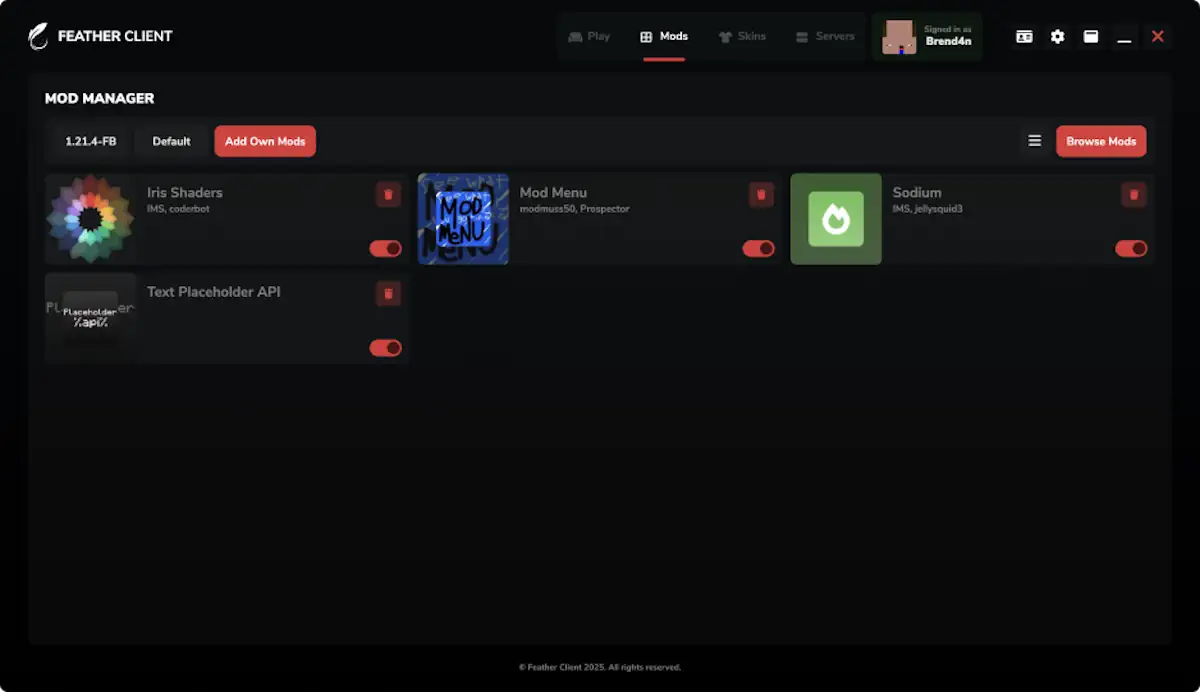
 The client also includes a built-in mod manager, allowing you to easily install and manage mods for Forge and Fabric directly through the launcher. This removes the need for manual file handling and makes modded gameplay much more accessible.
 Another standout feature is the integrated voice chat, which lets you communicate with friends while playing without relying on external applications. This is especially useful for multiplayer sessions and cooperative gameplay.
 In addition, Feather Client allows you to create and launch your own Minecraft server for free with just a few clicks, directly from the client interface. This makes it easy to start playing with friends without dealing with complex server setups.
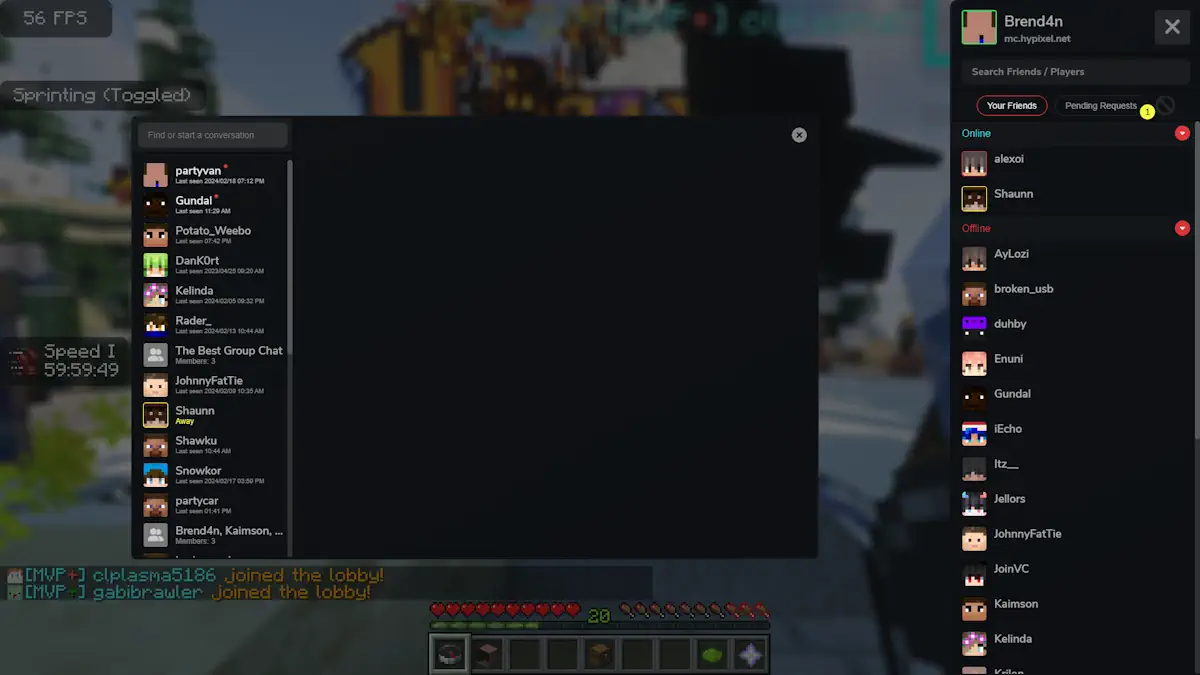
To access features like the skin manager, friends list, and server tools, you will need to create a Feather Client account. Overall, Feather Client combines performance, usability, and social features into a single polished Minecraft experience.
Features
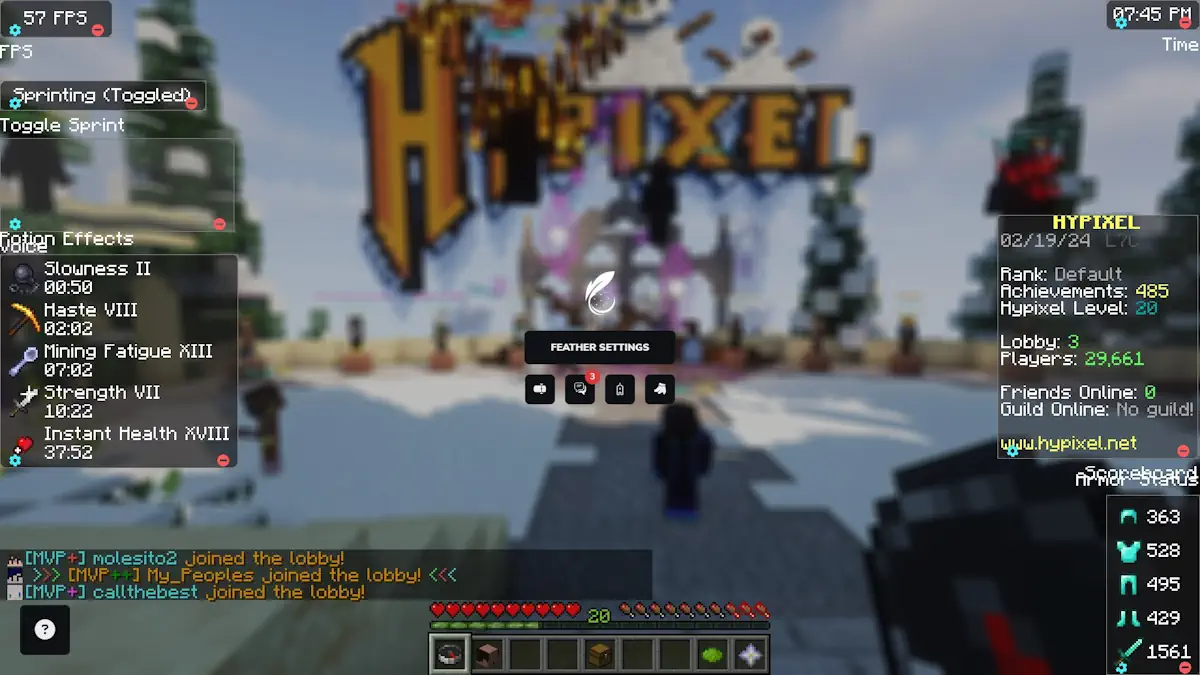
- A modern interface with a sleek HUD and full player customization options.
- Built-in mod library that lets you expand Minecraft without leaving the launcher.
- Ability to launch your own free server and play with friends in just a few clicks.
- Integrated voice chat, which is far more convenient than typing, especially during PvP or exploration.
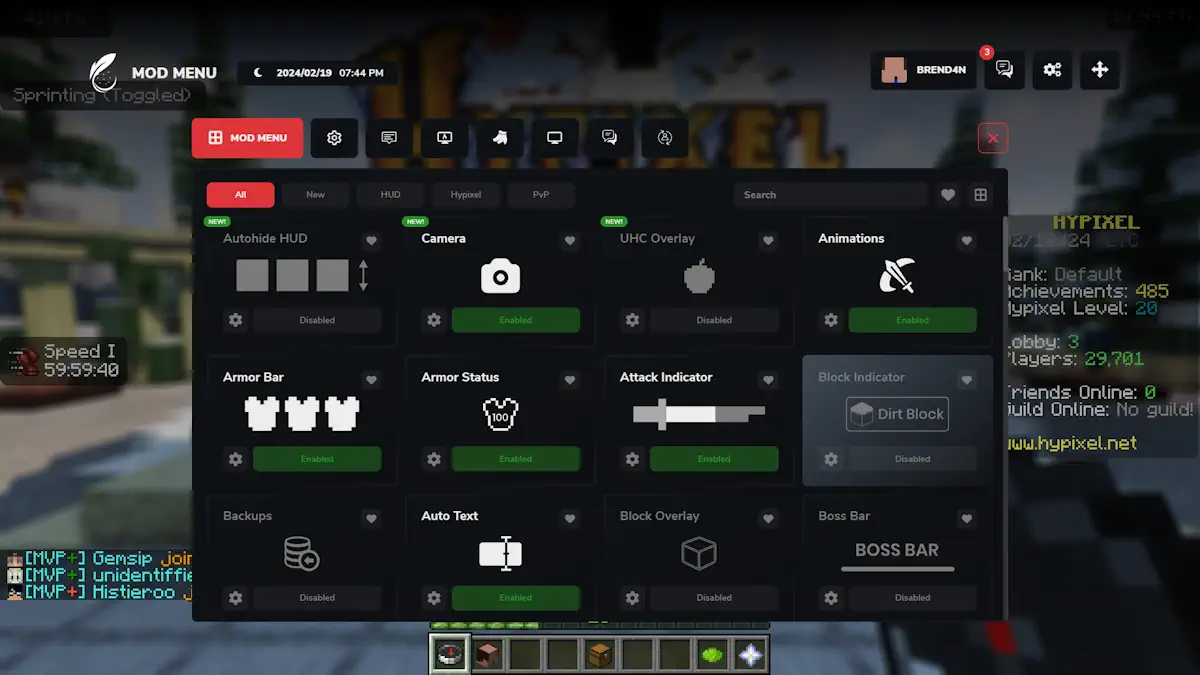
- Customizable widgets for the attack indicator, camera control, armor status, and other HUD elements, allowing you to tailor the interface to your playstyle.
Screenshots
Feather Client for Minecraft Download Links
For Minecraft 1.8 – 1.21 — FeatherClient_2026




Be the first to comment