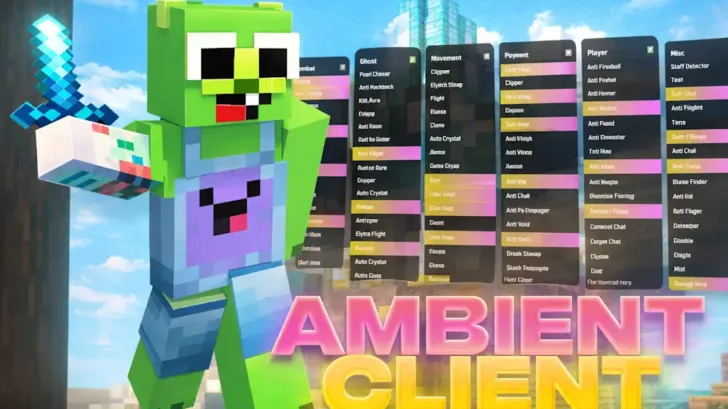
Ambient is a comprehensive Minecraft client that provides access to over 50 unique features across 7 main categories, including Movement, PvP Combat, Render, Ghost, Player, Scripts, and Misc.
The client is designed to enhance performance and give you a competitive edge in battles and minigames. It includes powerful modules such as ESP, X-Ray, Fly, Auto Render, Velocity, and many other advanced tools. Automation features help handle actions like using golden apples or activating totems, allowing you to focus fully on combat and strategy.
Ambient also improves overall game stability by reducing unnecessary lag and freezes, helping maintain smooth performance and stable FPS. In addition, cosmetic options such as wings and capes let you personalize your character’s appearance.
With its intuitive interface and well-organized categories, Ambient is easy to navigate and use. Its balance of functionality, performance optimization, and user-friendly design makes it a strong choice for players looking to upgrade their experience in PvP or survival gameplay.
Features
- A regularly updated free client offering advanced functionality for a wide range of playstyles.
- It includes features for multiple game categories, from resource mining and automation tools to advanced PvP modules for modes like Skywars, Bedwars, and Anarchy.
- The interface is clean and intuitive, making it easy to navigate and suitable even for beginners.
- Customizable keybinds and macros allow quick access to essential functions, improving responsiveness during gameplay.
- HUD elements can be freely repositioned, giving you full control over module placement and interface layout.
Screenshots
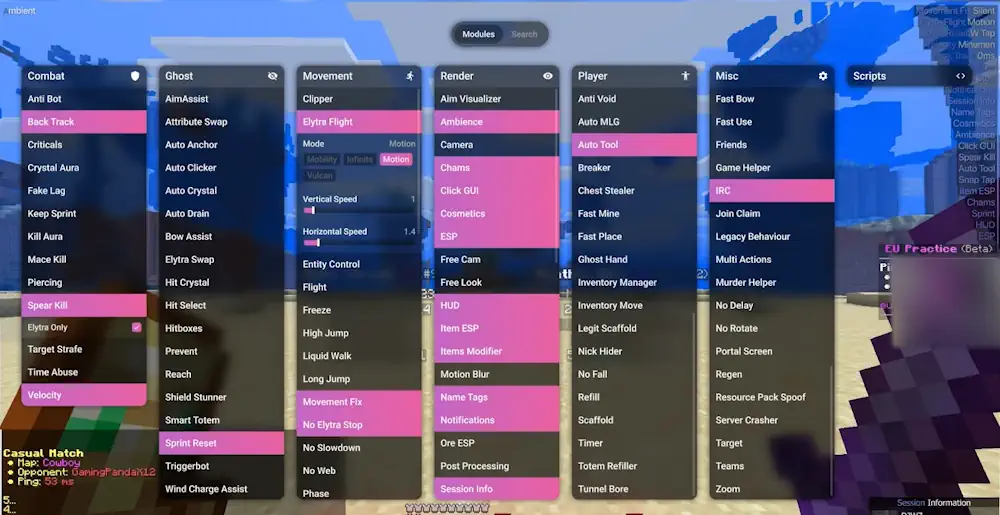
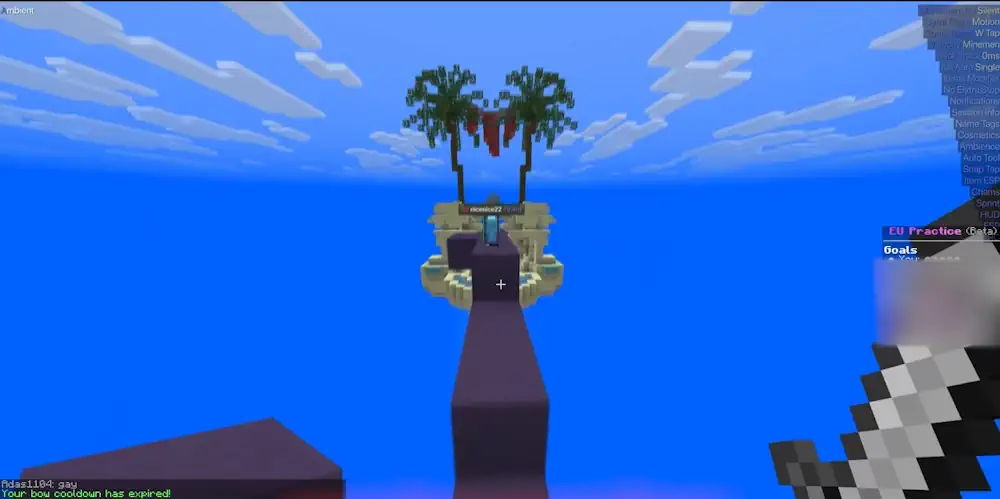
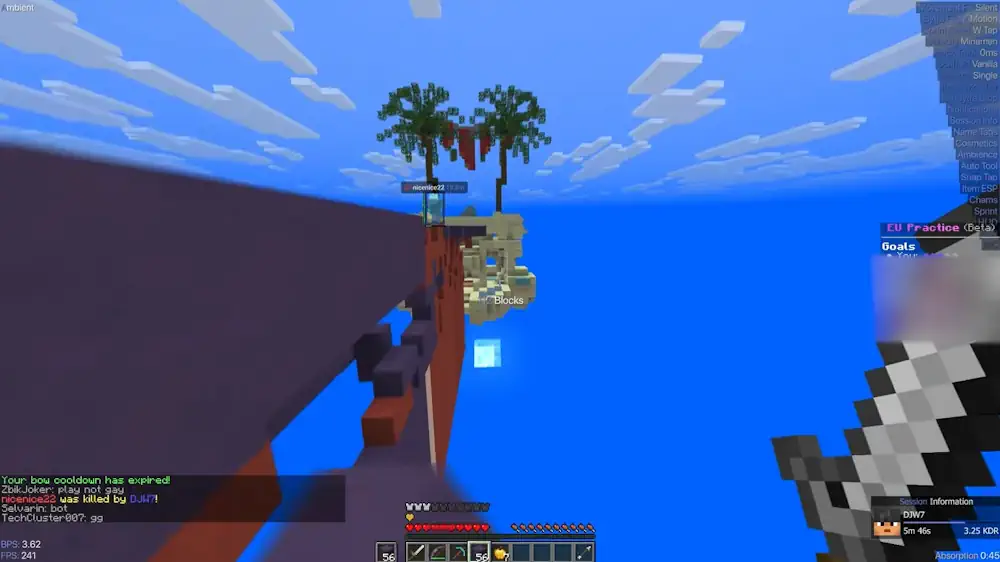

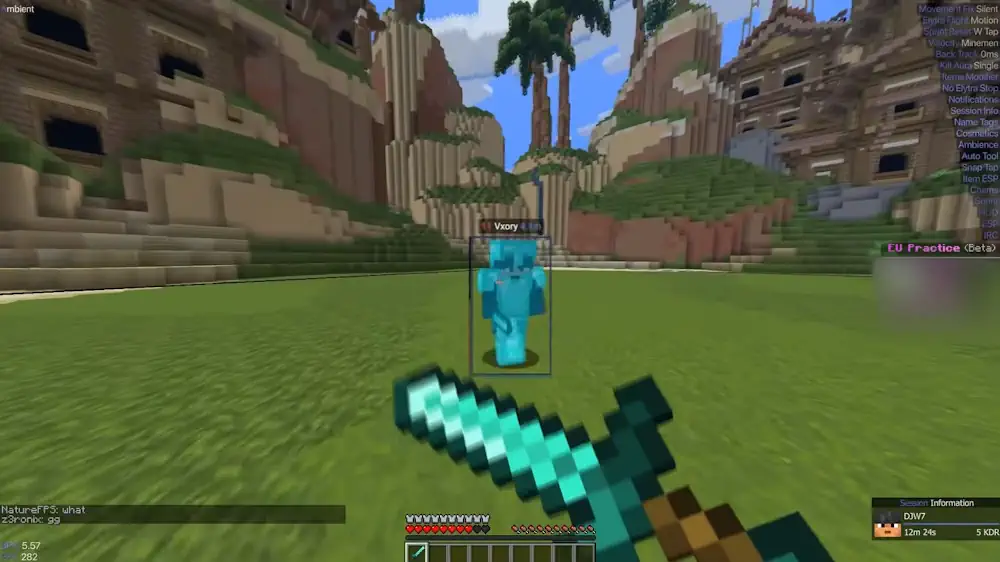
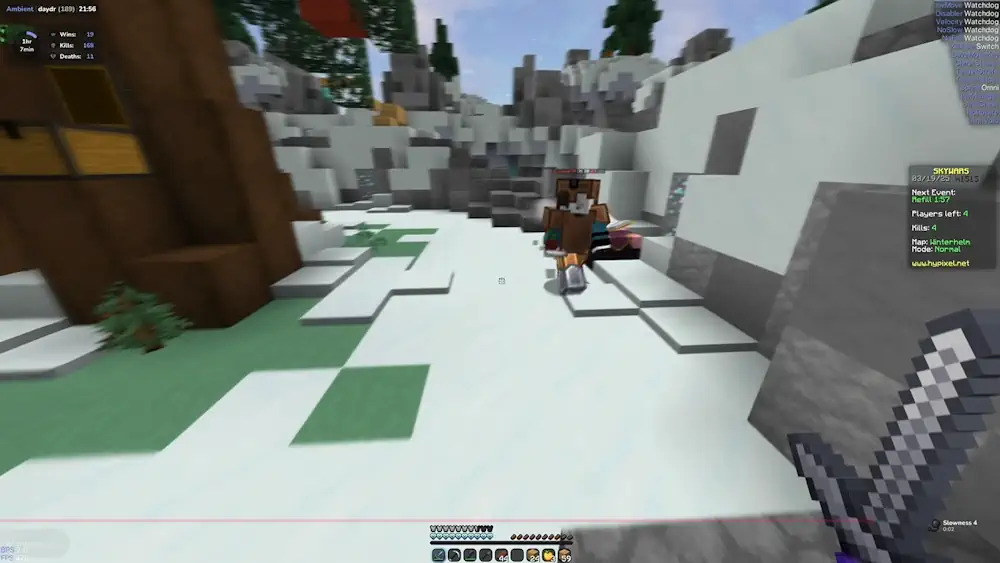
Ambient Legit Client for Minecraft Download Links
For Minecraft (1.21 – 1.21.11) – Legit Launcher Ambient


Be the first to comment