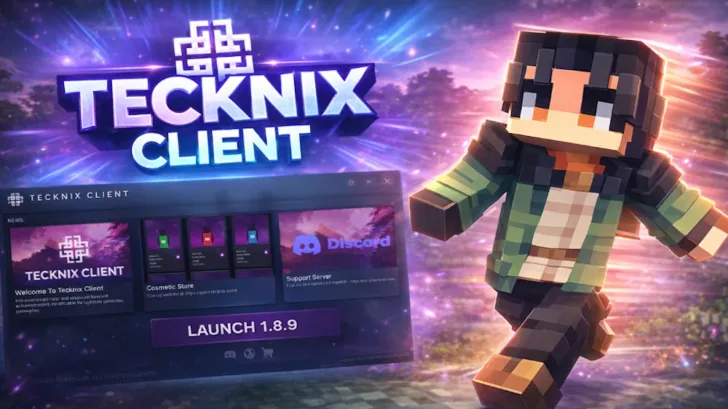
The Tecknix Client opens up new possibilities in Minecraft, especially for players focused on PvP performance and a clean, modern HUD packed with useful features.
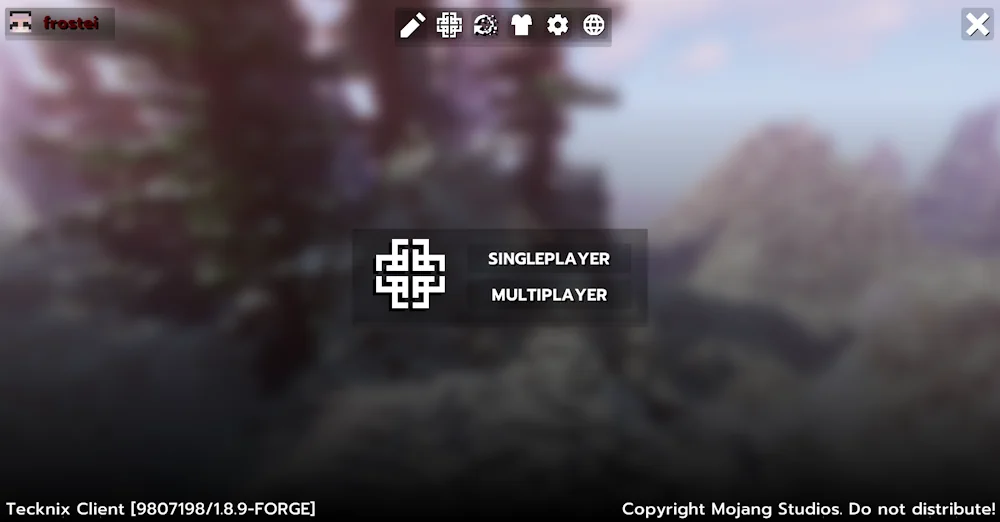
This client provides extensive customization options, allowing you to personalize almost everything – from the main menu to individual modules and the in-game interface. Colors can be adjusted, modules can be edited, and the overall visual style can be tailored to your preferences.
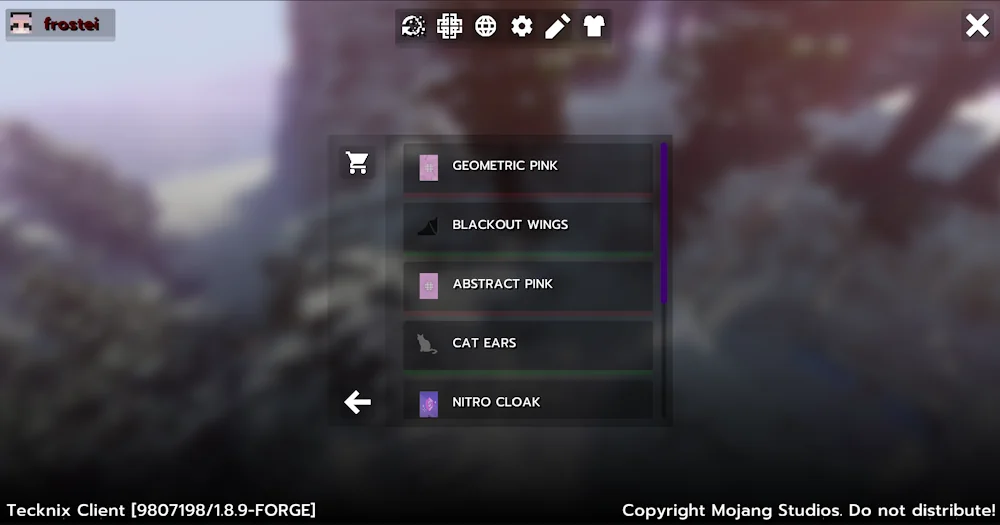
One of its standout features is the cosmetic system. Players can equip wings, capes, bandanas, and other visual enhancements. These cosmetic items are available through the built-in store, where you can purchase upgrades to customize your character’s appearance.
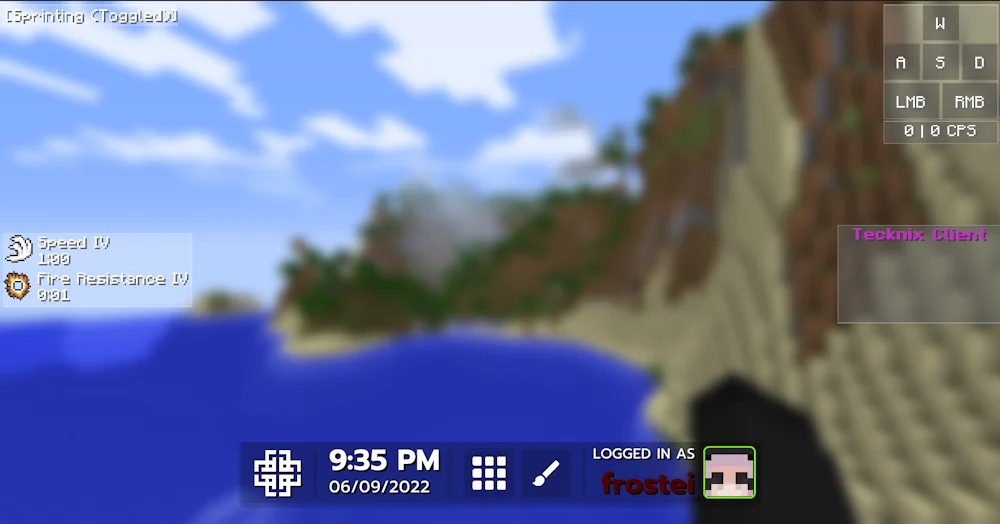
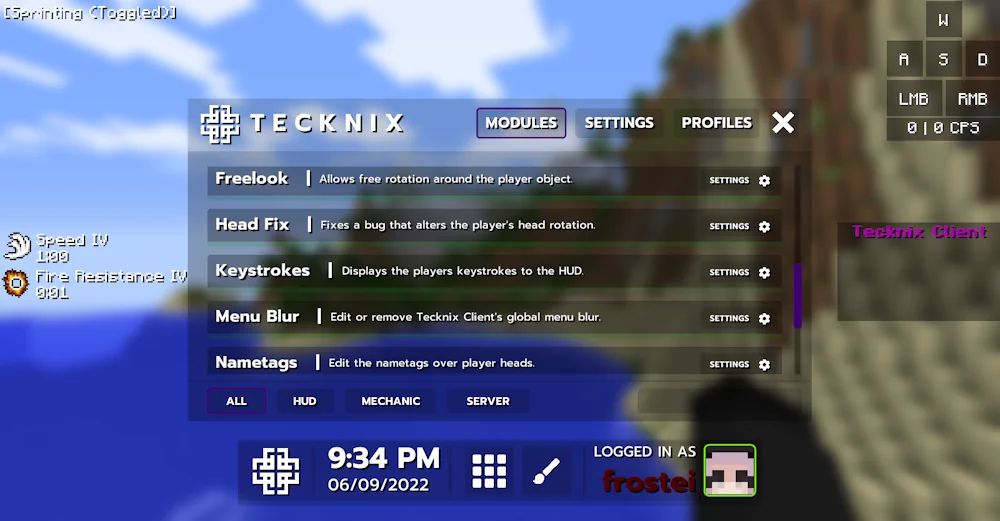
The HUD is built completely from scratch and stands out for its clarity and performance. It is lightweight, intuitive, and easy to navigate. Inside the main menu, you will find dedicated sections for Modules, Settings, and Profiles, each offering detailed control over gameplay features.
Tecknix Client delivers a fresh and refined Minecraft experience with a strong focus on design and usability. Currently, it supports Minecraft version 1.8.9, with plans to expand compatibility in the future. Despite this limitation, the client feels polished, unique, and visually impressive.
Features
- A powerful PvP client designed specifically for Minecraft 1.8.9.
- Built from the ground up, it features a modern and intuitive design that makes the launcher both unique and highly effective in gameplay.
- Additional cosmetic upgrades are available for purchase, allowing you to personalize your character with exclusive visual enhancements.
- You can fully customize modules and adjust the client’s overall design to match your playstyle and preferences.
- The HUD layout is flexible, giving you complete control over module placement and on-screen positioning.
Screenshots
Tecknix Client for Minecraft Download Links
For Minecraft 1.8.9 – TecknixClient




Be the first to comment