Baritone is not a traditional Minecraft client. Instead, it is a powerful mod that uses AI-driven pathfinding and automation systems to control player movement and resource gathering. Over time, it has become extremely popular due to its flexibility and almost limitless possibilities.
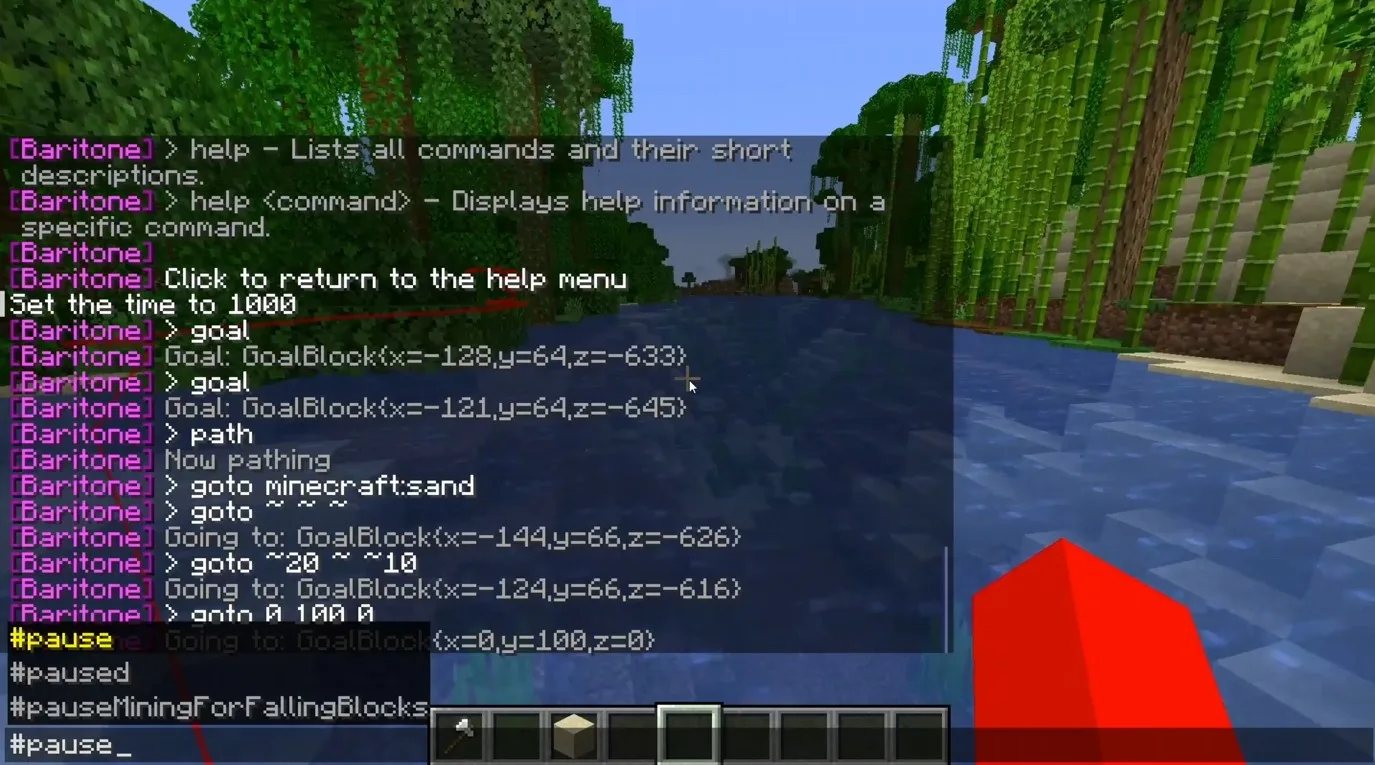
At first glance, Baritone may seem complex, especially for beginners. Its internal logic is quite advanced, and understanding how everything works can take some time. However, once you get familiar with the basics, the mod becomes an incredibly useful tool that can significantly simplify gameplay. Unlike most mods, Baritone does not rely on a graphical interface or HUD. All interaction happens through chat commands. Because of this, learning a set of core commands is essential before you can use it effectively. While Baritone may feel similar to a programming language inside Minecraft, it follows its own logic and command structure.
With Baritone, you can automatically navigate the world, mine resources, build structures, and perform many repetitive tasks without manual character control. Features such as auto-mining, auto-building, auto-navigation, and exploration are all made possible through its command system.
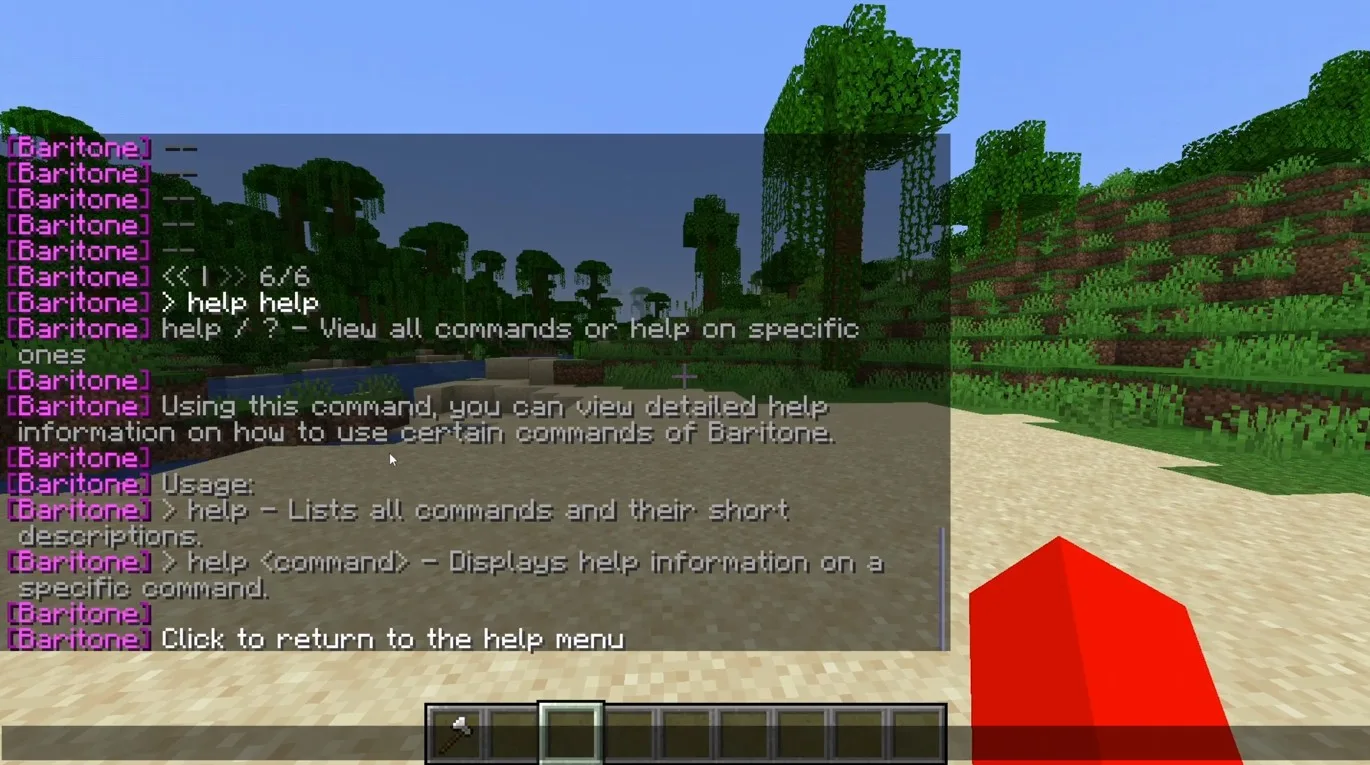
To get started, familiarize yourself with the basic commands listed below. For a full overview of all available options, use the #help command to access Baritone’s built-in help system.
Navigation and Movement
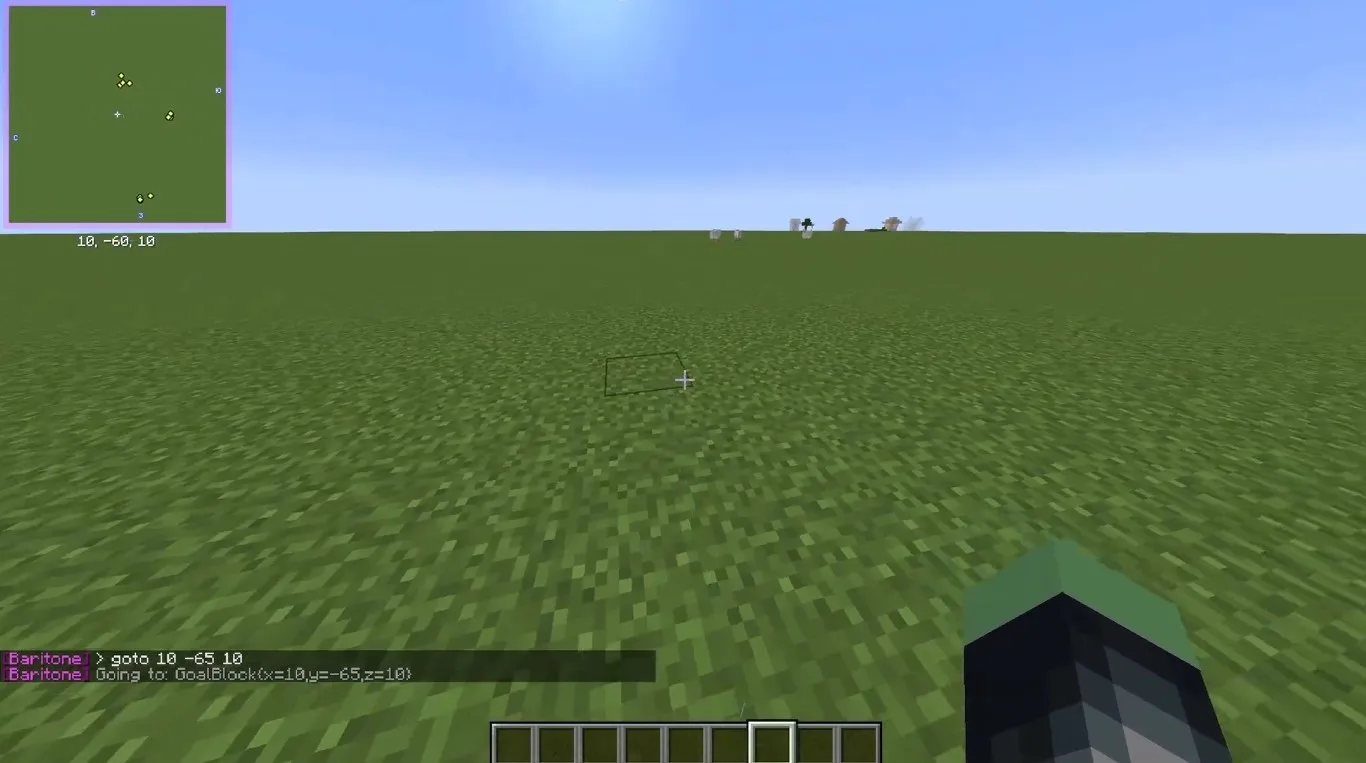
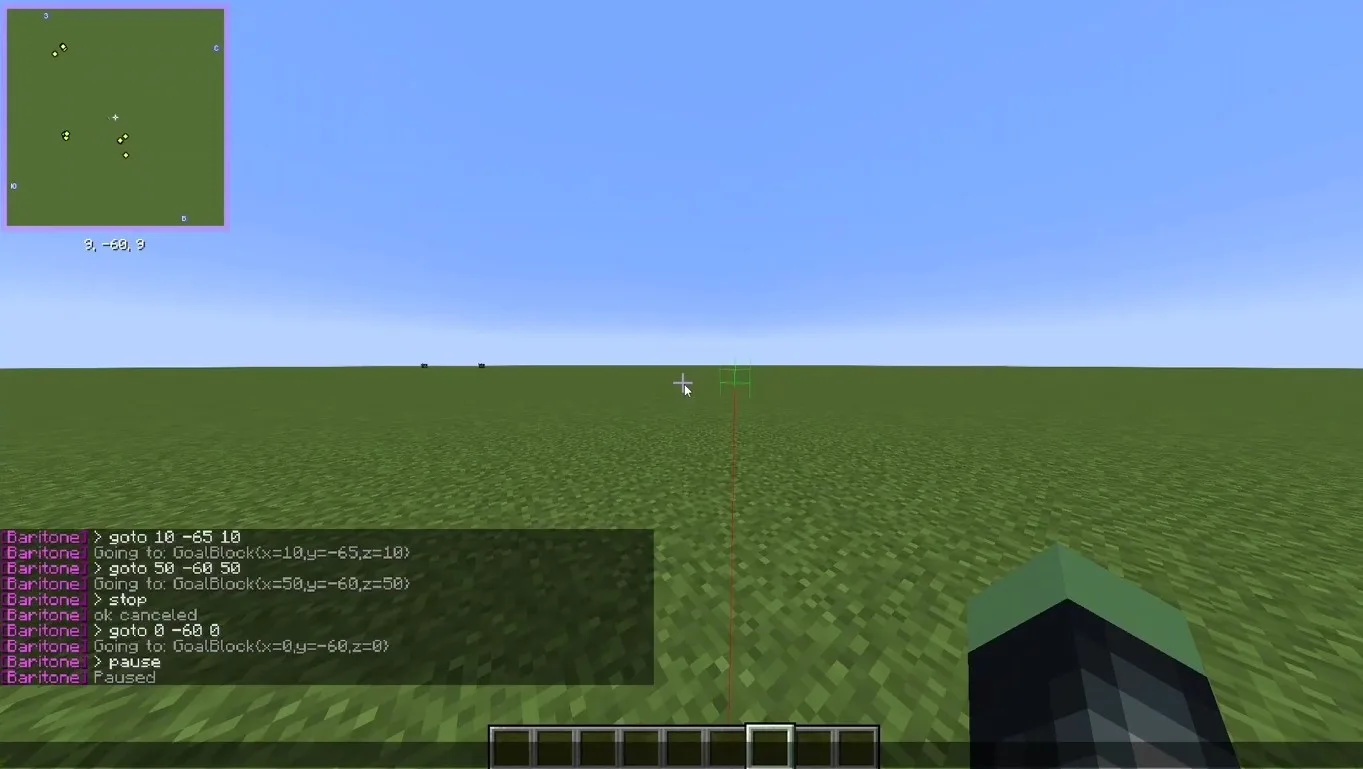
#goto x y z
Moves the player to the specified coordinates.
#goto block minecraft:stone
Searches for and moves to the nearest specified block.
#follow
Follows a selected player or mob.
#pause / #resume
Pauses or resumes the current action.
#stop
Completely stops all Baritone activity.
Digging and Mining
#mine diamond_ore
Automatically searches for and mines the specified block.
#tunnel
Digs a tunnel straight ahead.
#stripmine
Creates a classic strip mine for efficient resource gathering.
Building
#build
Builds a structure using a schematic file.
#schematic load name
Loads a schematic for construction.
#schematic paste
Places the loaded schematic into the world.
Features
- A custom mod injection that enables the legal use of a wide range of advanced features.
- With hundreds of available commands, Baritone lets you fully customize gameplay to match your needs — from automated resource mining to precise movement along predefined paths.
- Building becomes significantly easier thanks to commands that allow you to construct complete structures in just seconds.
- Additional features such as X-Ray and other advanced tools make resource gathering faster, more efficient, and far less tedious.
Screenshots
Baritone Client for Minecraft Download Links
Minecraft 1.21.11 – Baritone-Client-Mod-1.21.11
Minecraft 1.21.8 – Baritone-Client-Mod-1.21.8
Minecraft 1.21.1 – Baritone-Client-Mod-1.21.1
Minecraft 1.20.1 – Baritone-Client-Mod-1.20.1


Be the first to comment