
Meteor Client is one of the most popular free custom clients for Minecraft. It offers a wide range of unique features that help you dominate PvP, speed up progression, improve resource gathering, or build massive structures much faster. Thanks to excellent optimization and a well-balanced feature set, you can enjoy all these advantages without sacrificing performance.
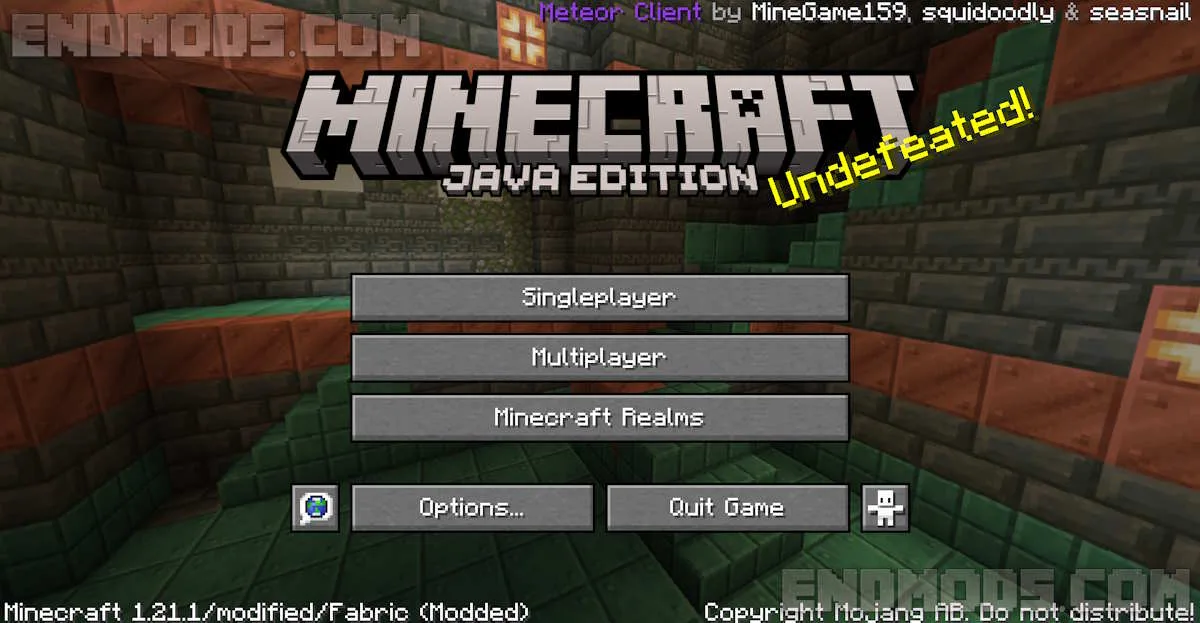
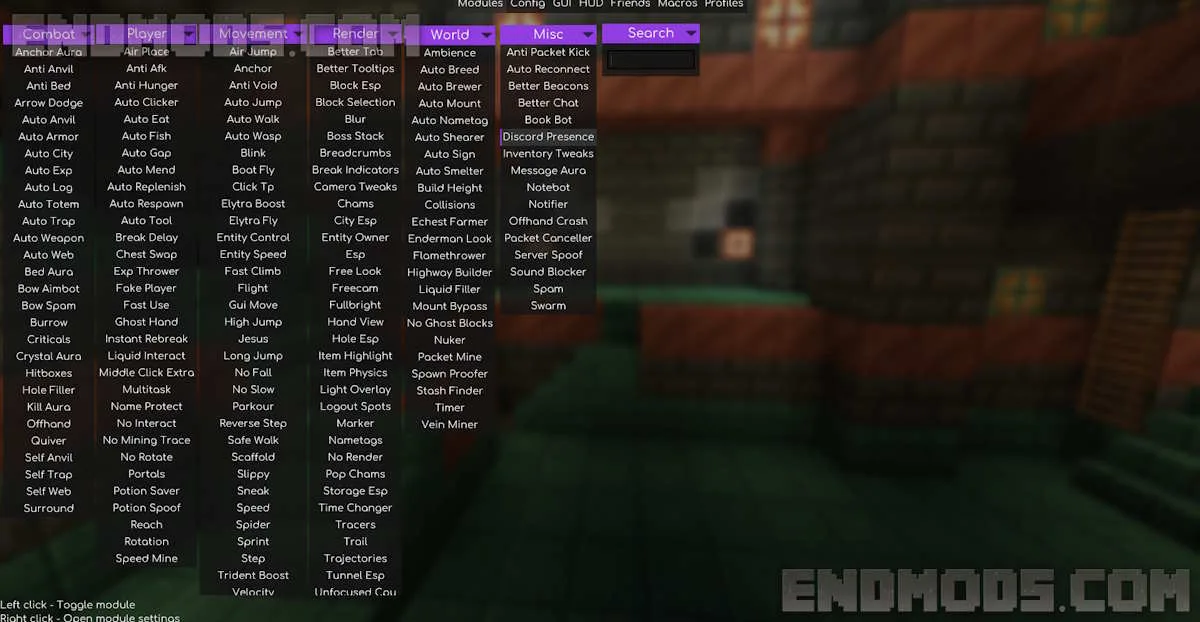
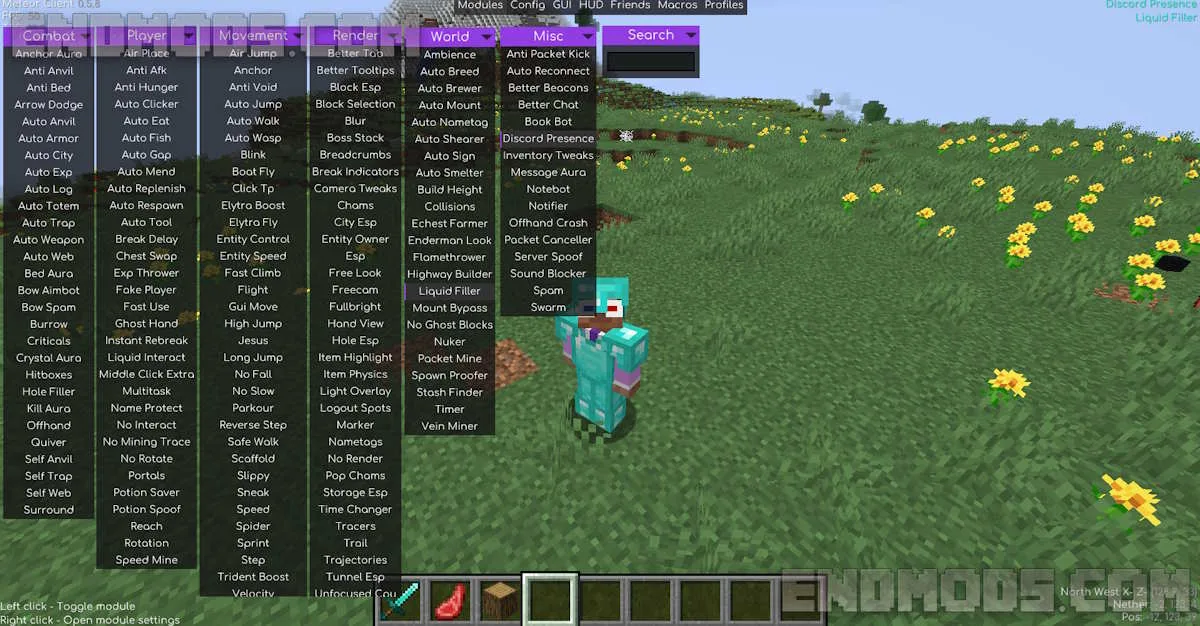
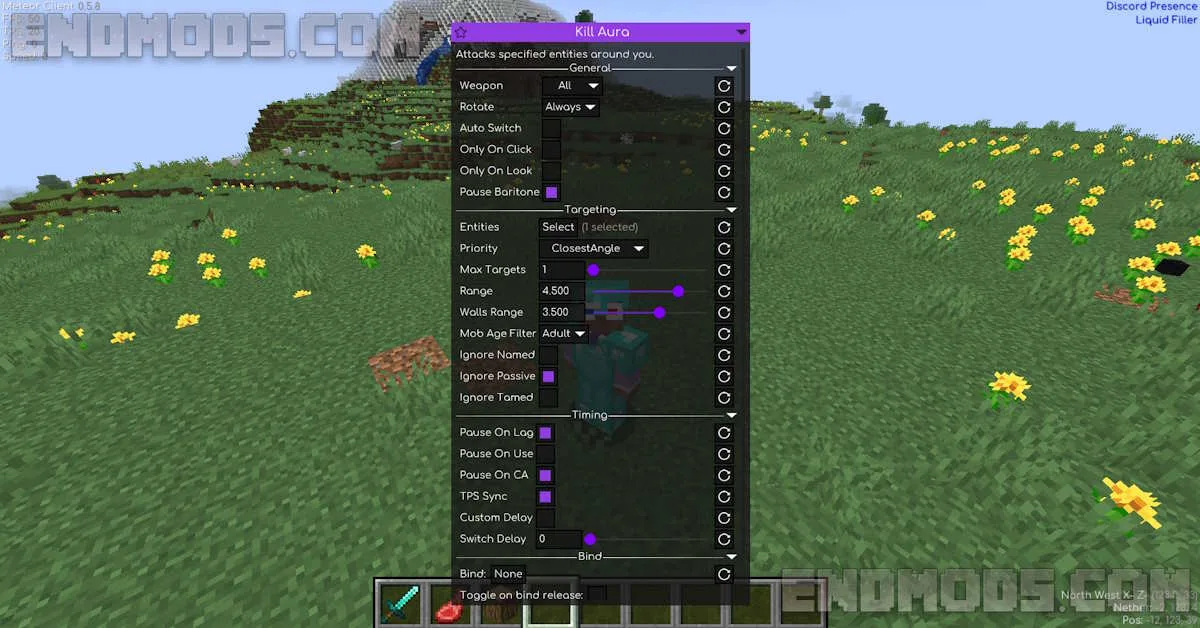
If you see the Meteor Client message in the main menu when launching Minecraft, it means the client is already connected. You can now join a server and access all features by pressing the Right Shift key. In the main menu, you will find well-organized categories, ranging from movement and combat to building and utility tools. Each function can be easily enabled or disabled and will be displayed in the upper-right corner of the screen when active. By right-clicking on a function, you can open additional customization options.
Overall, the client includes more than 70 unique functions that, in many cases, significantly simplify gameplay. Meteor Client also displays useful information such as your XYZ coordinates, FPS, ping, and other important metrics that enhance your in-game experience. To use Baritone with Meteor Client, simply enter commands with the default # prefix.
Features
- A popular and regularly updated client built on Sodium and Fabric.
- Over 70 features available for use on both servers and in single-player mode.
- A unique design with extensive customization options for the HUD and individual features.
- A lightweight client that works as a simple Minecraft mod in .jar format.
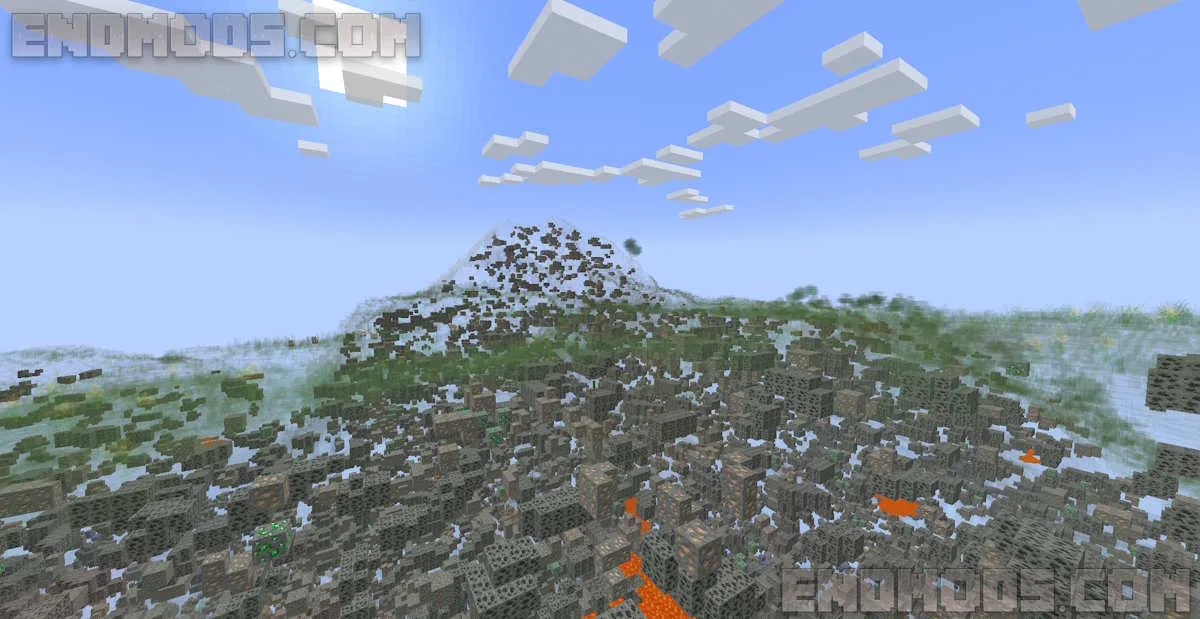
Screenshots
Meteor Client for Minecraft Download Links
Minecraft 1.21.11 – meteor-client-1.21.11-32
Minecraft 1.21.10 – meteor-client-1.21.10-54
Minecraft 1.21.5 – meteor-client-1.21.5-54



how to open features menu??